Basic User Instructions
Congrats! Someone who loves you (or at least likes you a lot) has shared their digital library with you! Here is the place for streamlined instructions for basic users to get them up and running with a minimum of technical expertise.
You can enjoy you books across any devices that have the Storyteller app installed (web reader comming soon). When reading an aligned book (ReadAloud), your place in the book will be synced between the audio and text version. When on the same network as the Storyteller server, your place will be synced across all your devices.
Storyteller books can be read in many other apps as well if you prefer.
The Storyteller app can be found on both the iOS App Store, and the Google Play Store.
Logging into the web server for the first time.
Because Storyteller is self-hosted, you must be on the same network as the server to connect to it. (This is also true for the apps or upcoming web reader.) Depending on how the owner has set up their instance, this will mean one of three things: nothing (you are good to go!), you must be actually on the same LAN (in their house), or you also need to be on their tailnet.
Once you are on the correct network, you just click the invitation link to get
to the invite/login page. 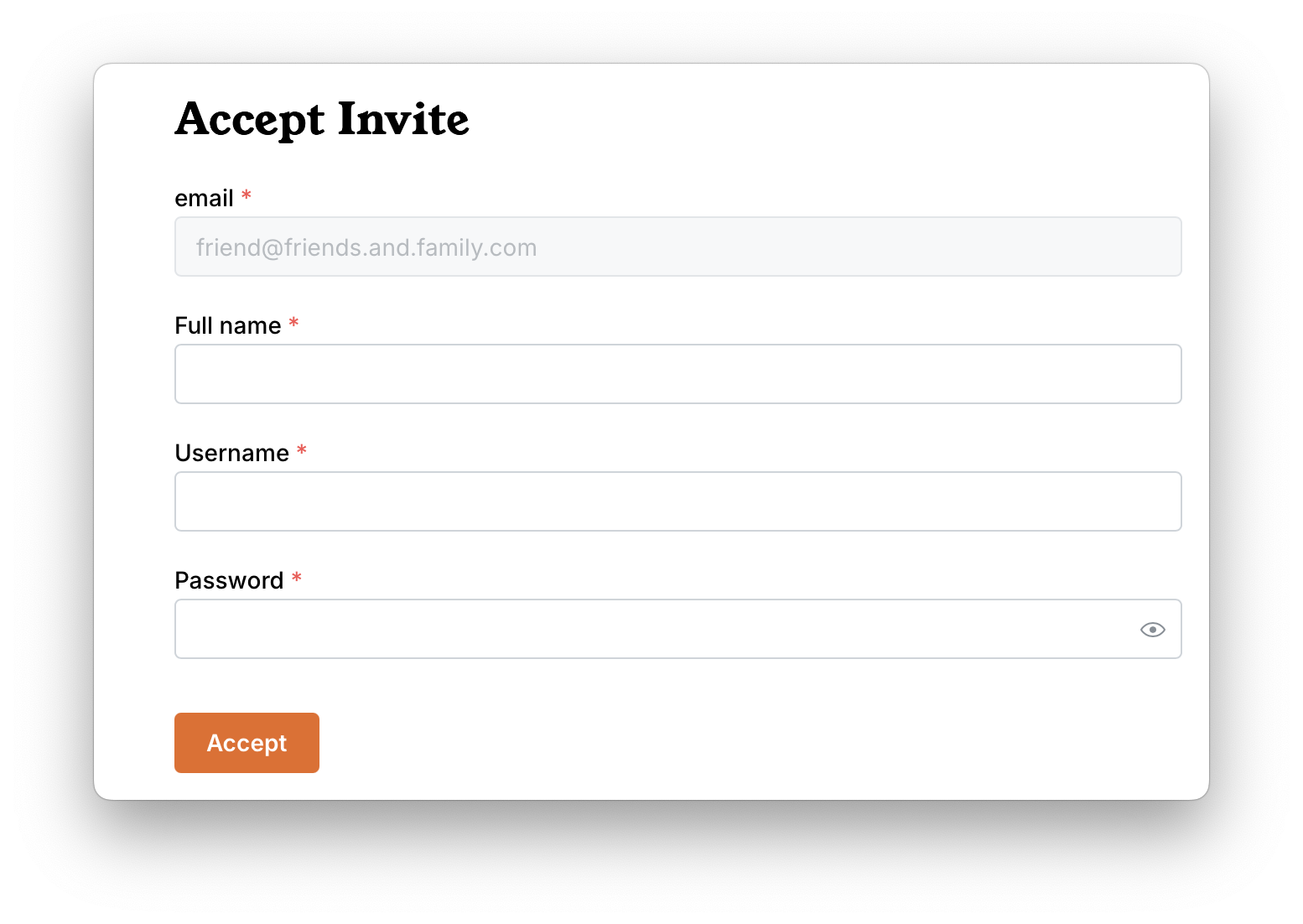
Using the apps
Full instructions for downloading, logging into and using the apps is found on the Storyteller apps page.